

The fuel dock comes to you.
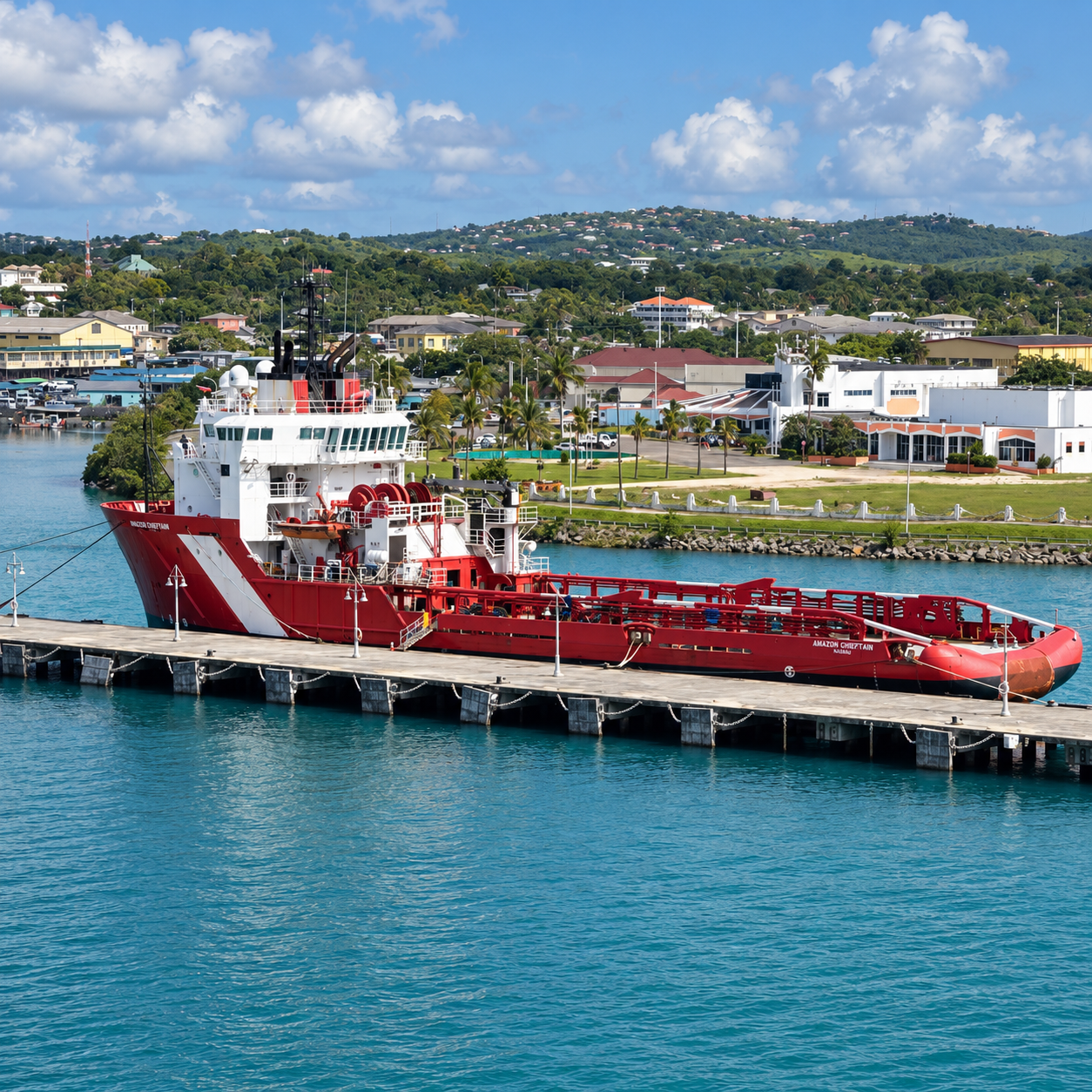
Ship-to-ship delivery from our partner bunkering vessel, wherever you’re berthed or anchored. Book your slot; we confirm the time when you approve the quote.
How it works
One stop for everything technical on board.
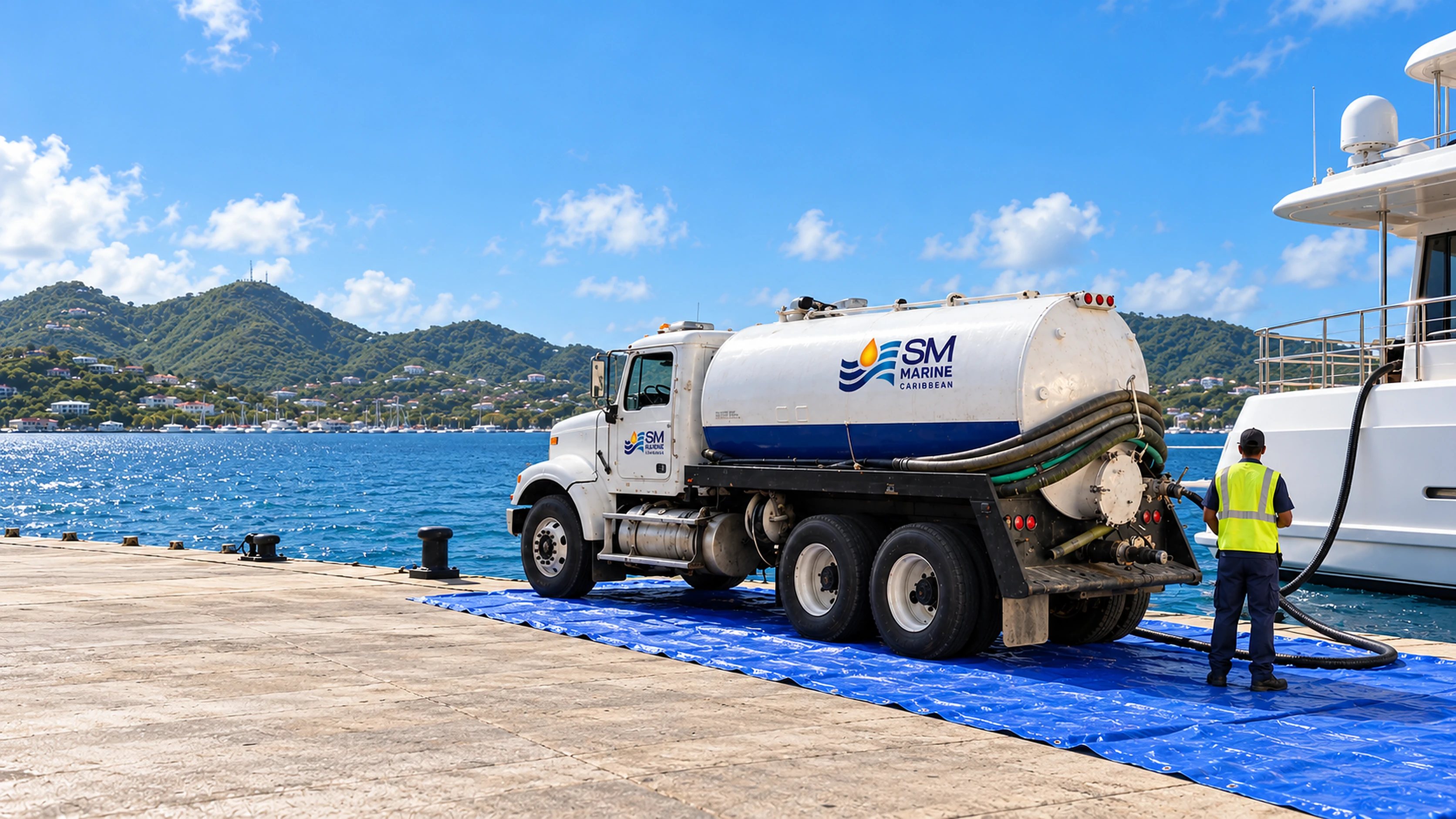
Fuel and waste removal from one local team. One request and it’s handled.
 Aurora YachtingSearch requests and documentsLB
Ask once. Fuel and waste collection in one request. Your vessel’s details are already filled in.
Also from SM Caribbean
Supplies for the rest of the job.
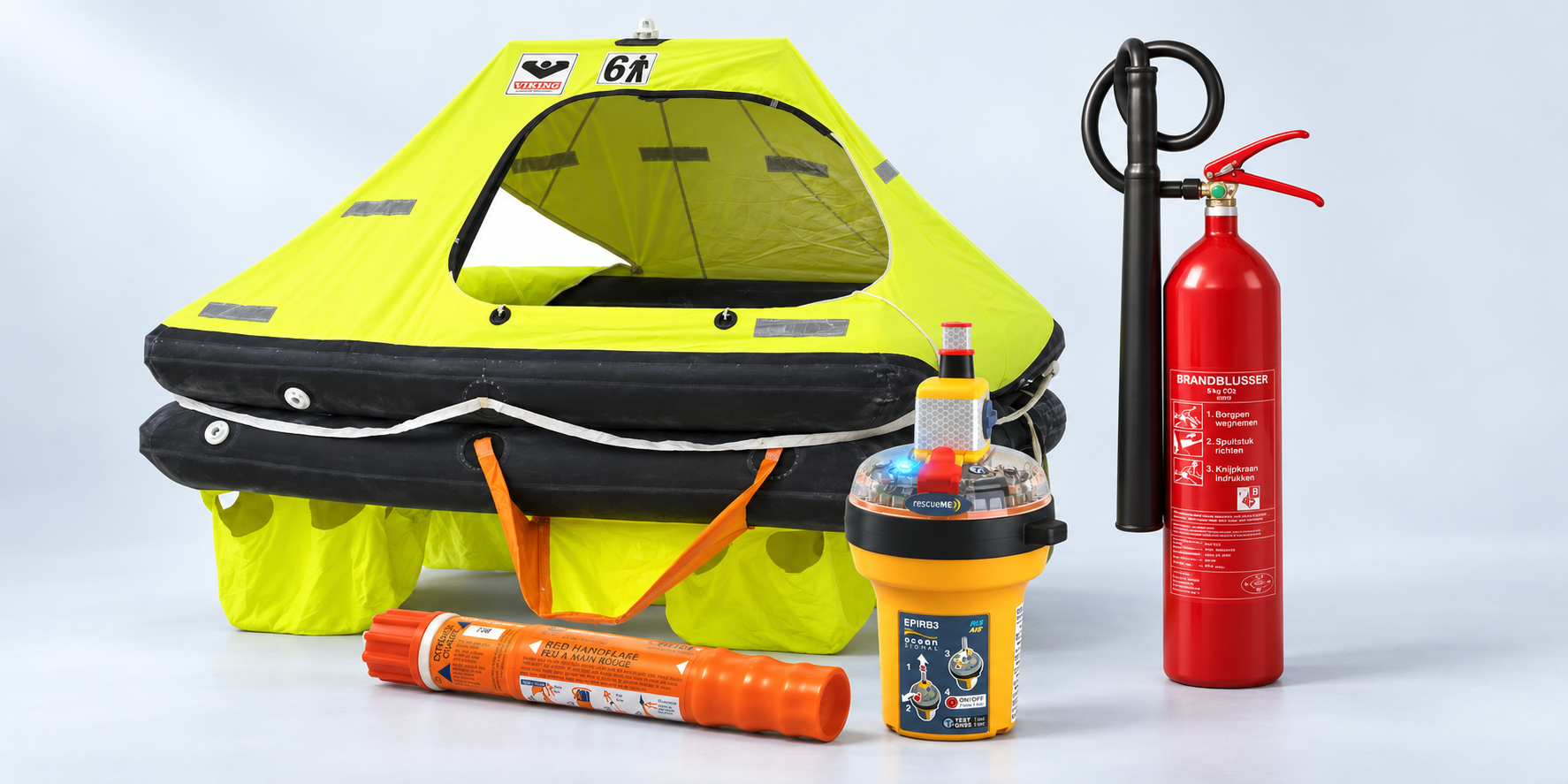
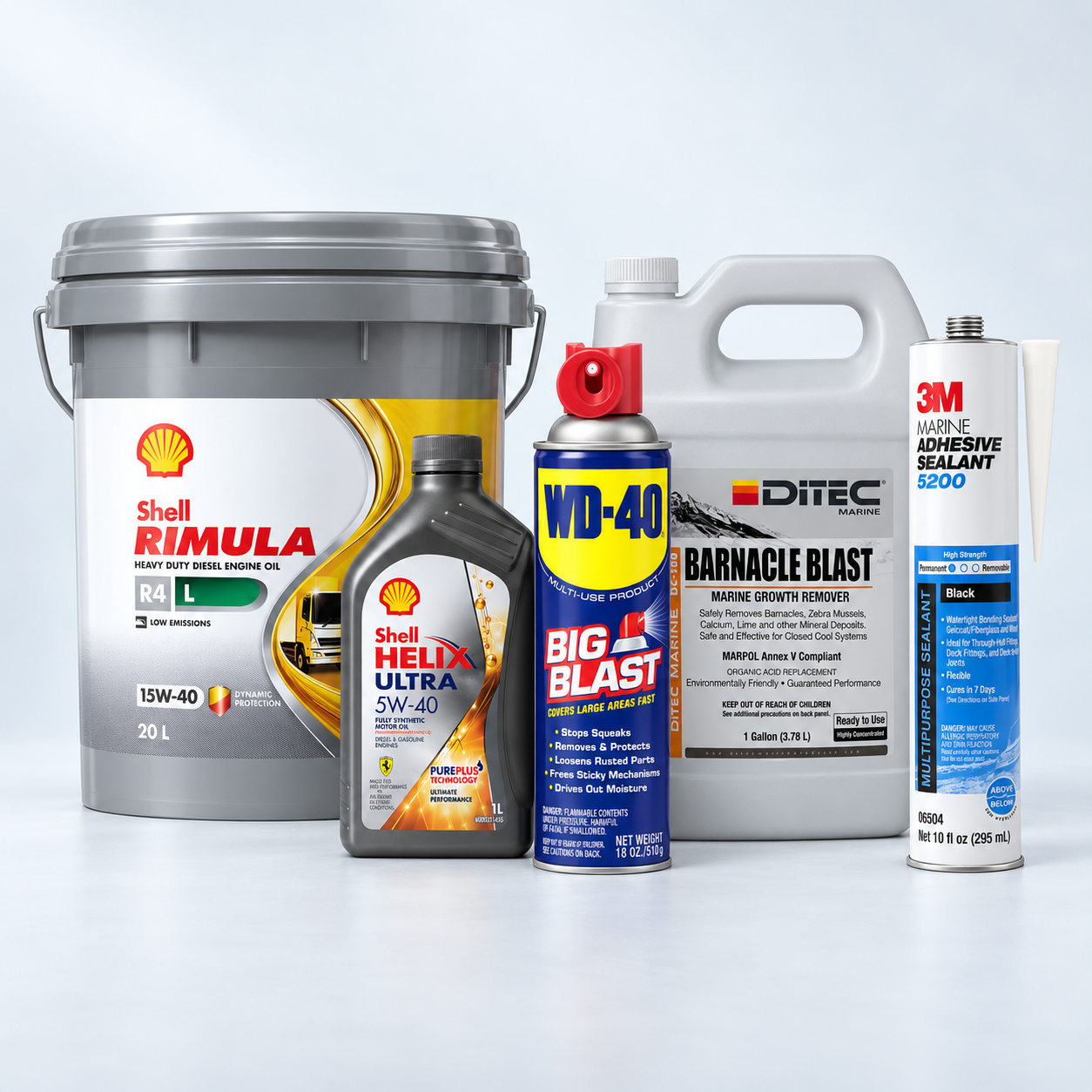
Safety equipmentLiferafts, EPIRBs, flares, lifejackets and fire safety from VIKING, Ocean Signal, ACR and more.Coming soon to the online store Shell lubricantsEngine, hydraulic, compressor and outboard oils. The right grade for every engine on board.Find your oilDeck and maintenanceCleaners, polish, adhesives and growth removers from DITEC, 3M, WD-40, Shurhold and more.Coming soon to the online store
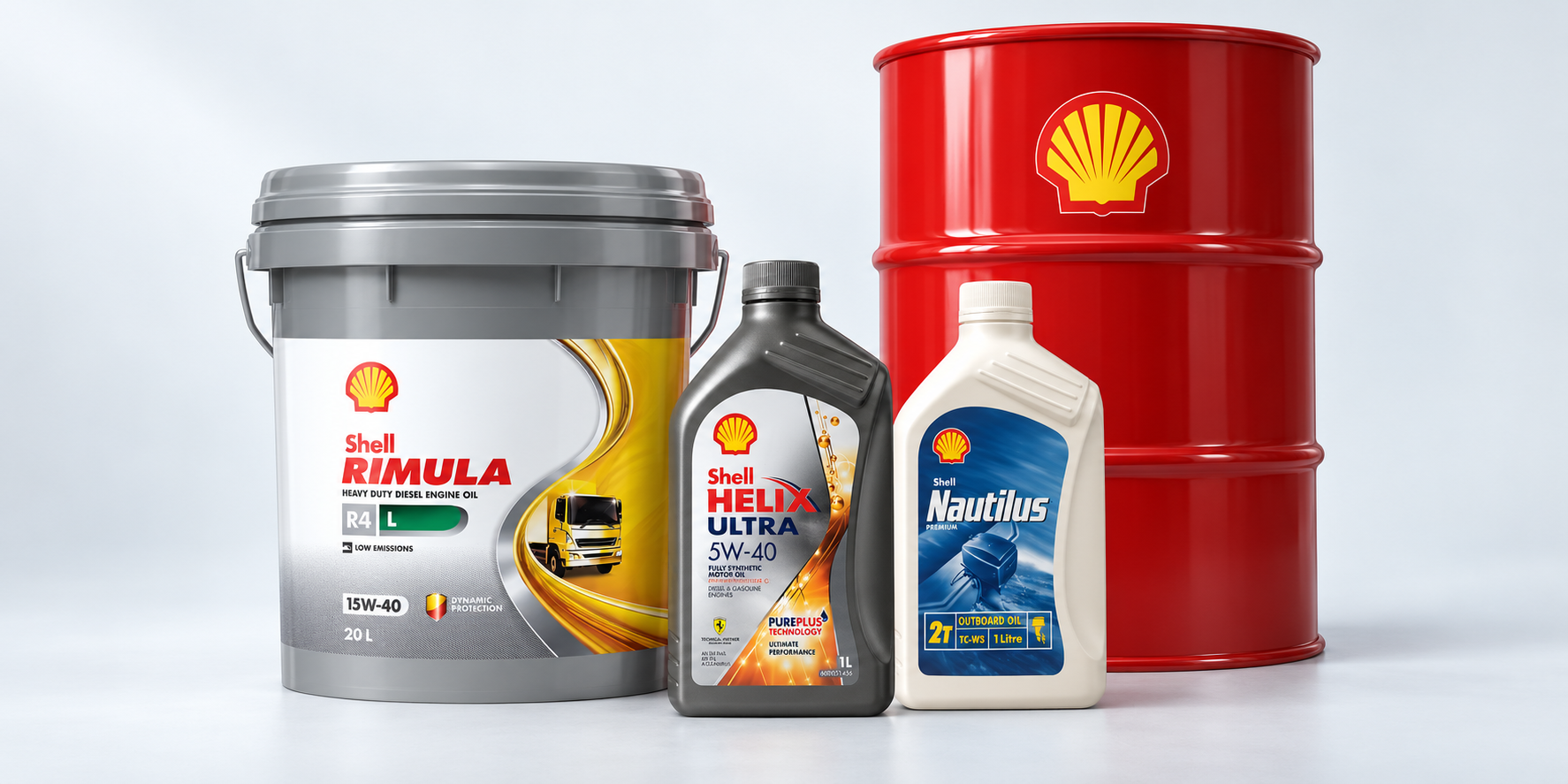 Shell lubricantsEngine, hydraulic, compressor and outboard oils. The right grade for every engine on board.Find your oilDeck and maintenanceCleaners, polish, adhesives and growth removers from DITEC, 3M, WD-40, Shurhold and more.Coming soon to the online store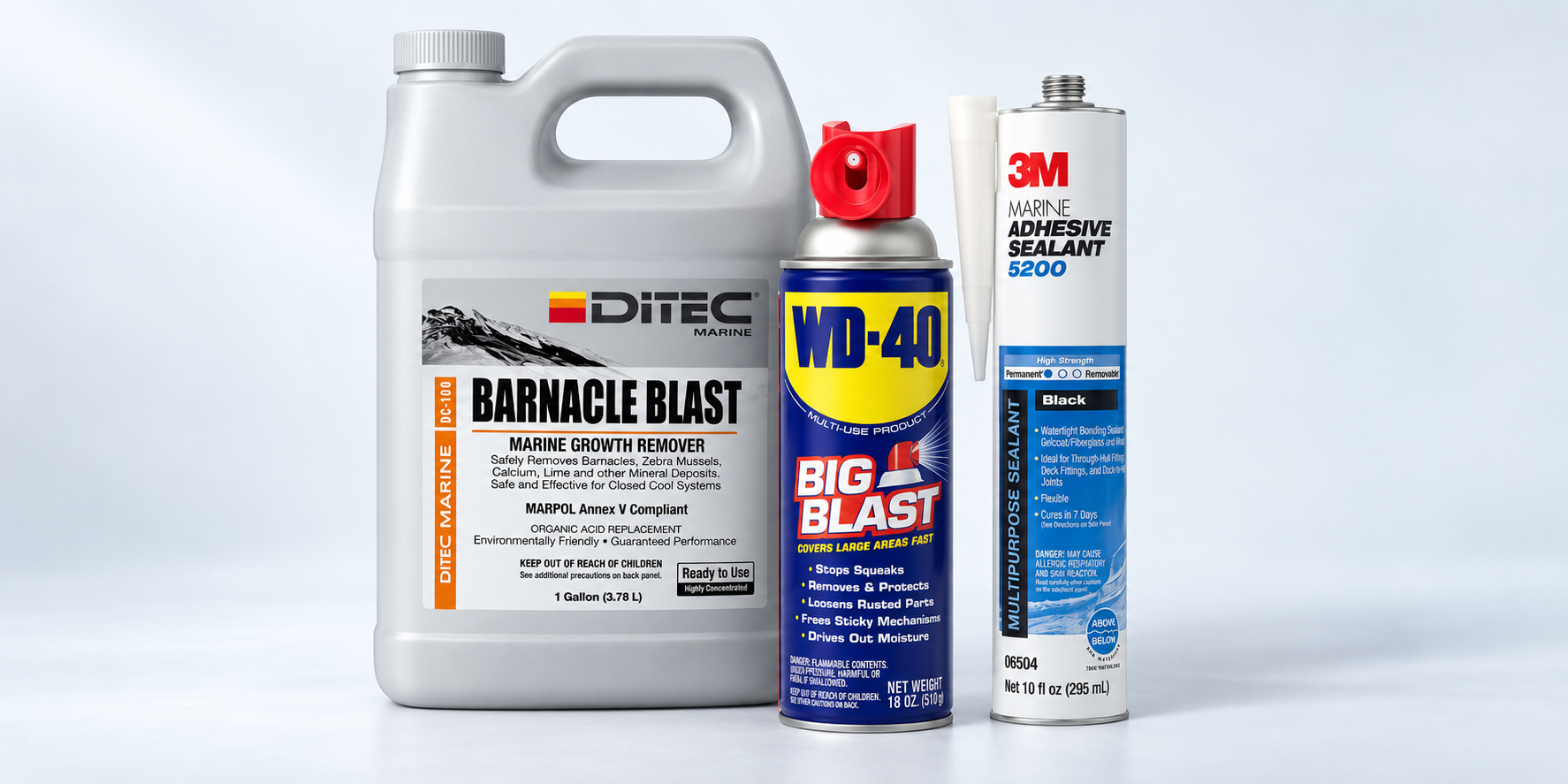
Four ways we help a vessel in port.
Fuel and waste removal, kept in one portal. The marine store opens soon.
Bunkering
Low-sulphur gasoil, delivered ship-to-ship by our partner bunkering vessel.
- Delivered where you lie, berth or anchor
- No minimum quantity
- Delivery note and fuel sample every time
Talk to the office.
A product question, a Shell grade, a delivery to plan. Call, message or email; the team in Simpson Bay picks it up.
46 Airport Road, Villaggio di Portofino, Suite 7G, Simpson Bay
Sint Maarten